

Recut App Review: Remove Silent from Videos and Podcasts
During a casual YouTube browsing session, I stumbled upon Recut, an impressive tool that effortlessly removes silent segments from videos or podcasts with just a click. Recut is revolutionizing my video editing process.
Video editors and podcast creators, rejoice! Recut is the ultimate solution for transforming rough cuts into polished, concise videos, and it has taken the role of a full-time editor.
Furthermore, Recut boasts lightning-fast export capabilities. With just a single click on "Export," your trimmed and edited videos are saved in seconds, eliminating the tedious waiting time.
Don't miss out! Experience the power of Recut and enjoy an additional $10 discount with the code blogsdom. Purchase it once without any monthly subscription commitments.
DISCLAIMER: This post contains affiliate links, which means I earn money from purchases, which never affects your price.
TRY RECUT (FREE TRIAL)
Introducing Recut
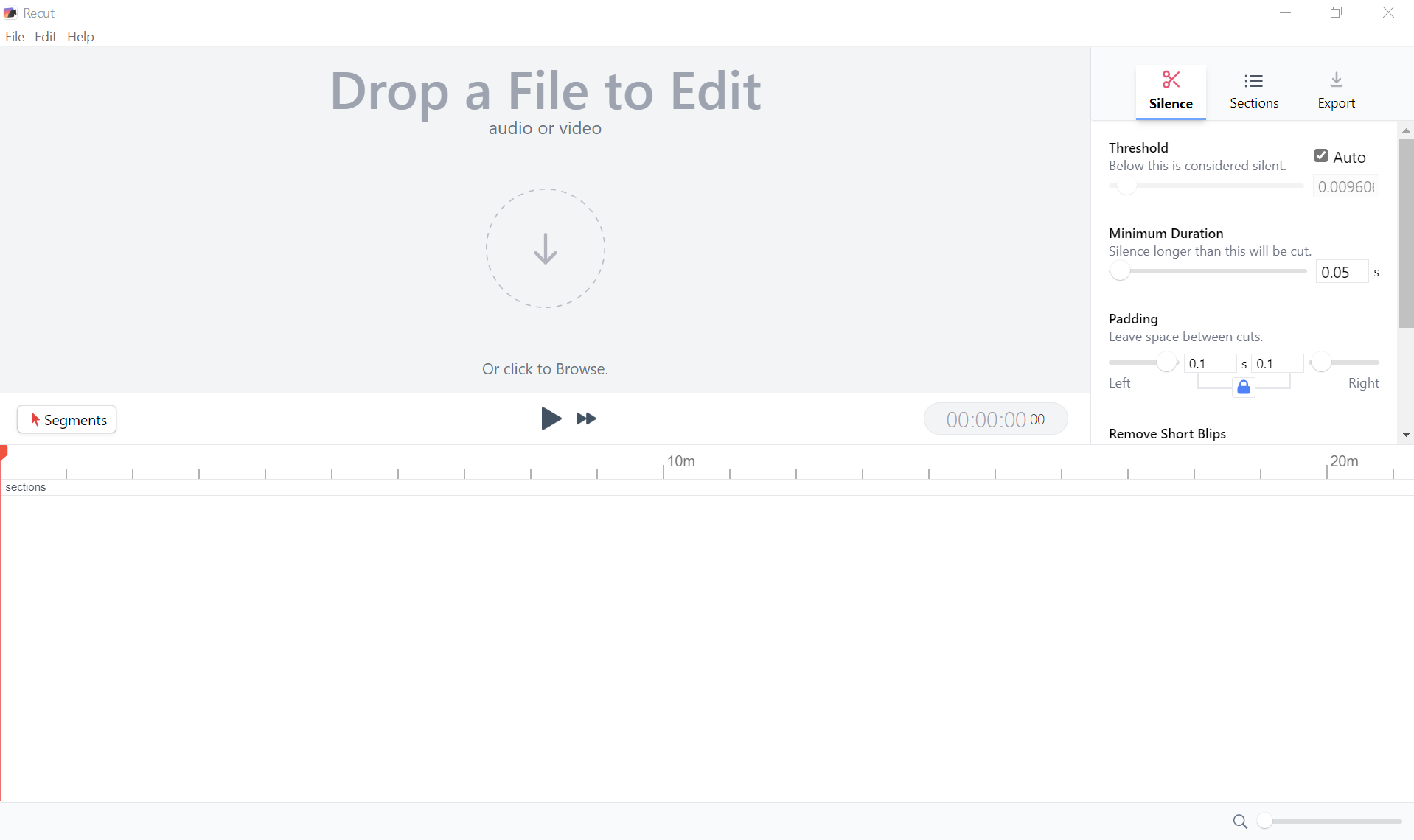
Recut is an application compatible with Mac and Windows, and it effortlessly removes silent parts from your videos, audio recordings, or any other content you possess.
You have complete control over the settings, allowing you to achieve the perfect audio balance—neither excessively tight nor excessively loose. Export your newly edited video or effortlessly transfer the cut timeline to your preferred editing software.
Recut supports renowned video editors Filmora, Adobe Premiere and more.
Recut's Remarkable Features
Automatic Silence Removal
Recut swiftly eliminates pauses, providing a fantastic rough cut to work with easily. It ensures frame accuracy and functions.
Multi-File Support
Whether you record using multi-cameras and external microphones to multiple simultaneous tracks, Recut syncs and cuts through them effortlessly, ensuring flawless continuity.
Recut works with multiple files!
Edit Audio Alone
Recut isn't limited to videos; it's equally adept at editing audio-only content such as podcasts and other forms of audio recording.
It saves you valuable editing time, supporting formats like WAV, MP3, M4A, and more.
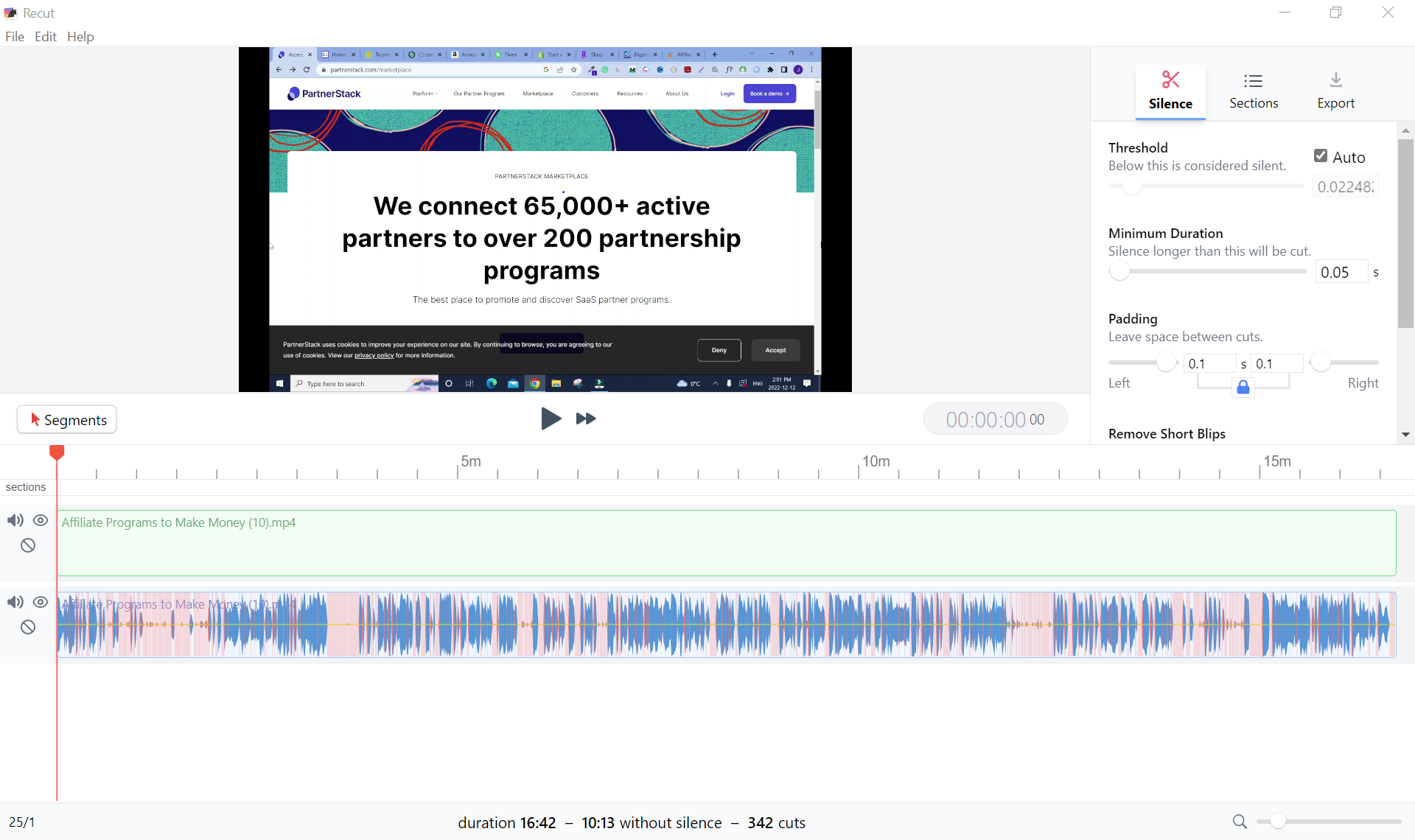
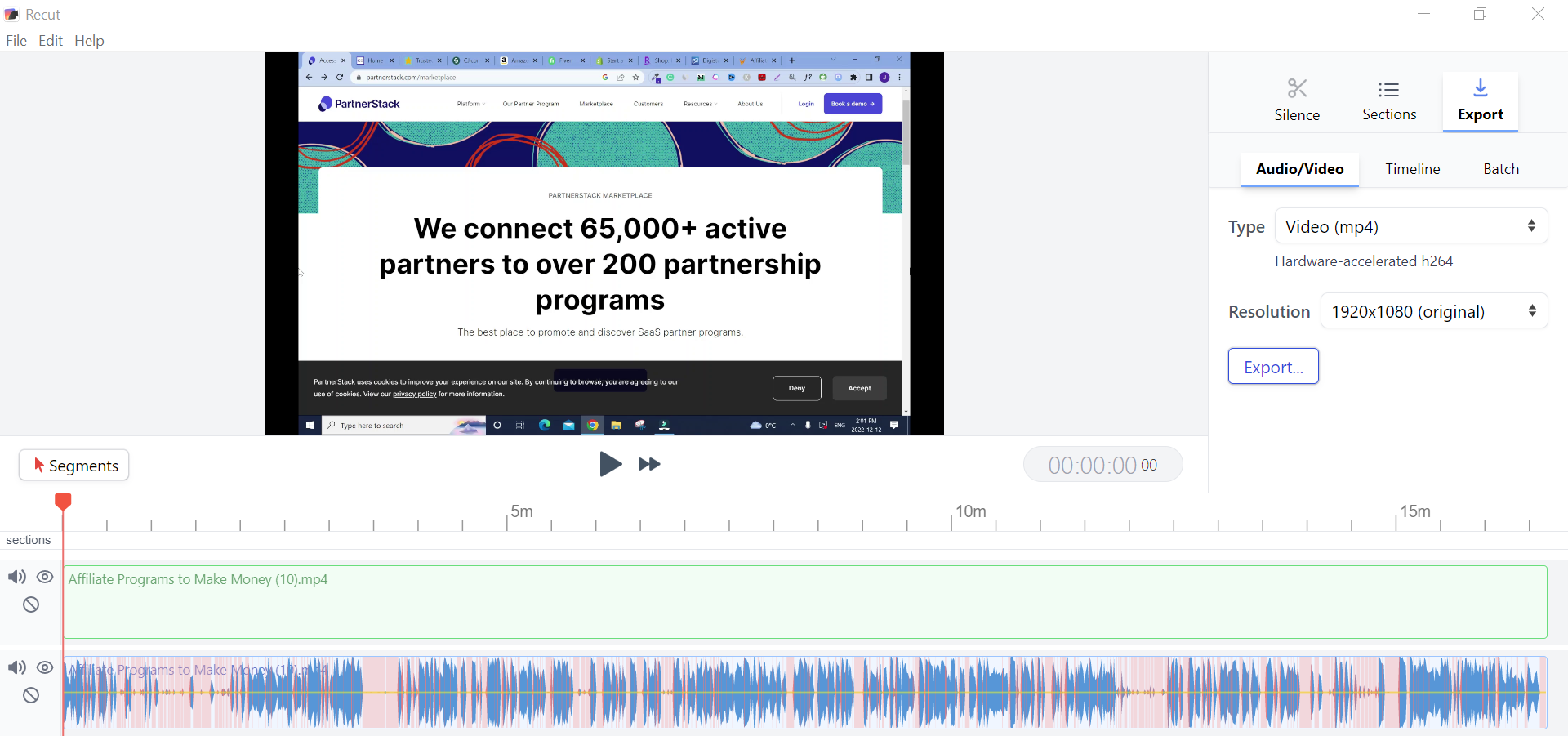
Export to Various Editors
Effortlessly transfer your edit timeline to your preferred editing software via an XML file without re-encoding. Recut supports Final Cut Pro, Davinci Resolve, and Adobe Premiere.
How to Use Recut
Follow these three simple steps:
Upload Your Files: Import one or multiple files, including microphone recordings. Recut seamlessly cuts through various files while ensuring perfect synchronization.
Cut Silence And Preview It: You can adjust the settings to your preference and instantly preview the audio without requiring time-consuming processing again and again.
Export your newly edited audio or video file, or effortlessly transfer the timeline to your preferred editor and continue your work.
Recut: Automate Silence Removal in Videos (how to use Recut)
Using Recut: Automate Silence Removal in Videos (2023).
Recut Pricing Details
Recut is available for a one-time payment of only $99, granting you lifetime access.
Additionally, it comes with a free trial, allowing up to five exports—offering the same functionality as the full version.
So, are you still looking for a video editing solution that can do it all? Check out the Recut app, a user tool, for digital marketers and content creators.
With Recut, video editing tasks become a breeze. Its user friendly interface sets it apart making it accessible to both beginners and experienced professionals in the marketing field.
Take charge of your video content with the Recut video editor. Trim, cut and merge clips effortlessly to create videos that will enhance your marketing efforts.
Experience flexibility like never before, with Recut software. As a marketer myself I truly value its time saving features and its ability to support video formats catering to all kinds of content creation needs. Discover possibilities. Elevate your content game with Recut.
Read this article: 👉 Pictory AI Review: Best AI Video Creation Tool?
Copyright © 2026 Blogsdom. All rights reserved.